Production Lines
A production line is a container for organising and visualising your data pipeline tasks. Production lines let you group related tasks, visualise dependencies, schedule execution, and deploy tasks together as a unit.
Creating a Production Line
- Navigate to Build > Production Lines
- Click New Production Line
- You'll be taken directly to the graph canvas view
New production lines are created with "Untitled" as the default name. Update the name field at the top of the canvas to give your production line a descriptive name.
Understanding the Canvas
The production line canvas is where you visualise and organise your tasks. Key features:
- Drag and drop: Arrange tasks visually on the canvas
- Connections: See how tasks relate to each other
- Zoom controls: Navigate large production lines easily
Tasks flow from left to right, with upstream dependencies on the left and downstream tasks on the right.
Adding Tasks
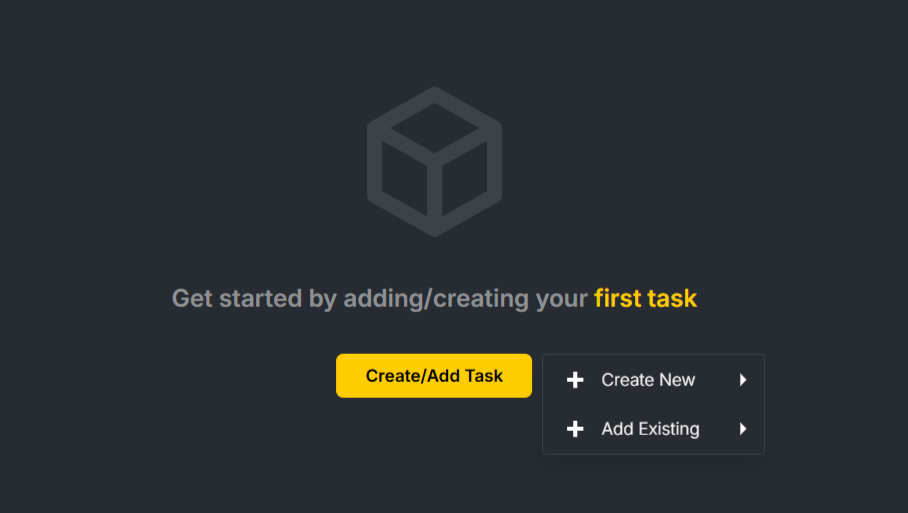
For a new production line with no tasks, use the Add Task button on the canvas.
Once you have tasks, add more using:
- The + button in the graph side menu, which offers options to create a new task or add an existing task
- Right-click on a task node → Add Task, then choose a dependency type (On Success, On Failure, or On Completion)
When creating a task, you'll need to configure:
- Code: A unique identifier for the task
- Name: A descriptive name
- Activity: The type of operation (e.g., ingestion, enrichment)
- Task-specific settings based on the selected activity
Key Concepts
| Term | Definition |
|---|---|
| Production Line | A container for organising, scheduling, and deploying tasks together |
| Task | The smallest unit of work in Insight Factory |
| Canvas | The visual workspace for arranging Tasks |
What's Next?
- Working with the Production Line Graph — Navigate and organise complex pipelines
- Scheduling Production Lines — Automate your pipelines