Sharing Task Properties
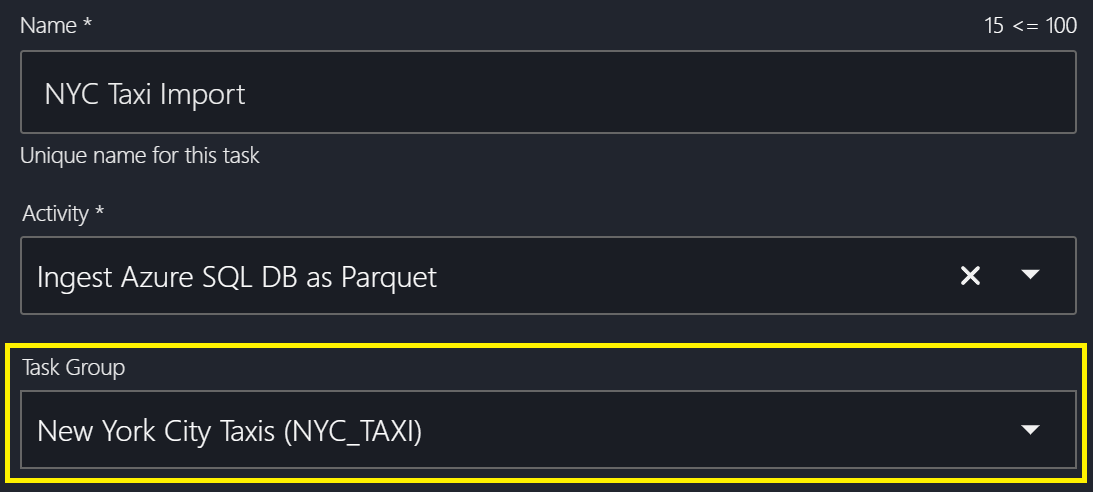
All tasks within an Insight Factory can optionally belong to a single Task Group. This generally groups together tasks of the same source system. For instance, all the tables coming out of the corporate CRM could be grouped together.
Task Group Config
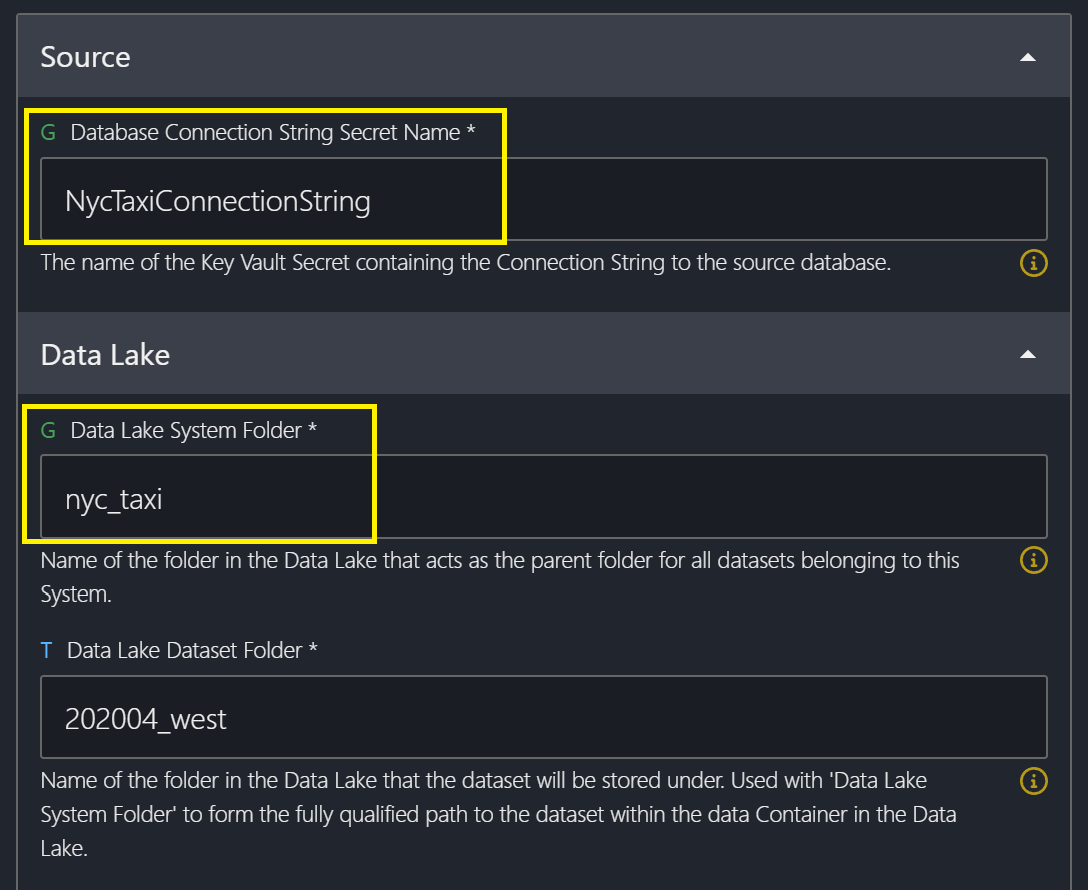
Each Task Group can contain an optional set of variables that are shared by its tasks. For instance, the database connection string or storage account folder in which the files should land. For this reason, it's best not to make groups too broad. We wouldn't recommend putting tasks belonging to two different source databases into the same group.
Here is an example of what the Task Group config could look like for a group:
{
	"DatabaseConnectionStringSecretName": "NycTaxiConnectionString",
	"DataLakeSystemFolder": "nyc_taxi"
}
When creating a task, assign it to the desired task group via the select list.
When viewing the configuration for this task, the values set at the group level can be seen with a corresponding 'G' icon. These values can be overriden for an individual task, in which case the icon will change to a 'T' icon.